Table of Contents
- The Reality Today: How Apprenticeship Documents Are Still Managed
- What Apprenticeship Document Management Actually Needs to Track
- From Files to Framework: Designing a Robust System
- Why General Tools Fall Short
- How Apprenticeship Management Software Streamlines Documents
- GoSprout’s Approach to Apprenticeship Document Management
- Implementation Guide: Moving to a Digital System
- Common Mistakes in Apprenticeship Document Management (and How to Avoid Them)
- Signs It’s Time to Modernize
- Why Choose GoSprout for Apprenticeship Document Management
- FAQs: Apprenticeship Document Management
- Make Your Apprenticeship Documents Audit-Ready
Picture a sponsor managing 150+ registered apprentices across a dozen employer partners. A Department of Labor audit letter lands, and suddenly the team is scrambling through email threads, shared drives, and paper binders trying to assemble complete apprentice records. This scenario plays out constantly, and it’s getting worse: DOL audits have increased by approximately 30% since 2020, while over 700,000 active apprentices are expected in the US by 2027.
Apprenticeship document management involves systematic tracking, storing, and organizing records across every phase of an apprenticeship program, from enrollment to completion. Apprenticeship programs combine paid employment with structured training, which means the documentation trail spans OJT logs, RTI transcripts, wage schedules, signed agreements, RAPIDS exports, evaluations, and completion certificates. This article walks you through moving from scattered files to one system that keeps multiple stakeholders aligned and programs audit-ready.

The Reality Today: How Apprenticeship Documents Are Still Managed
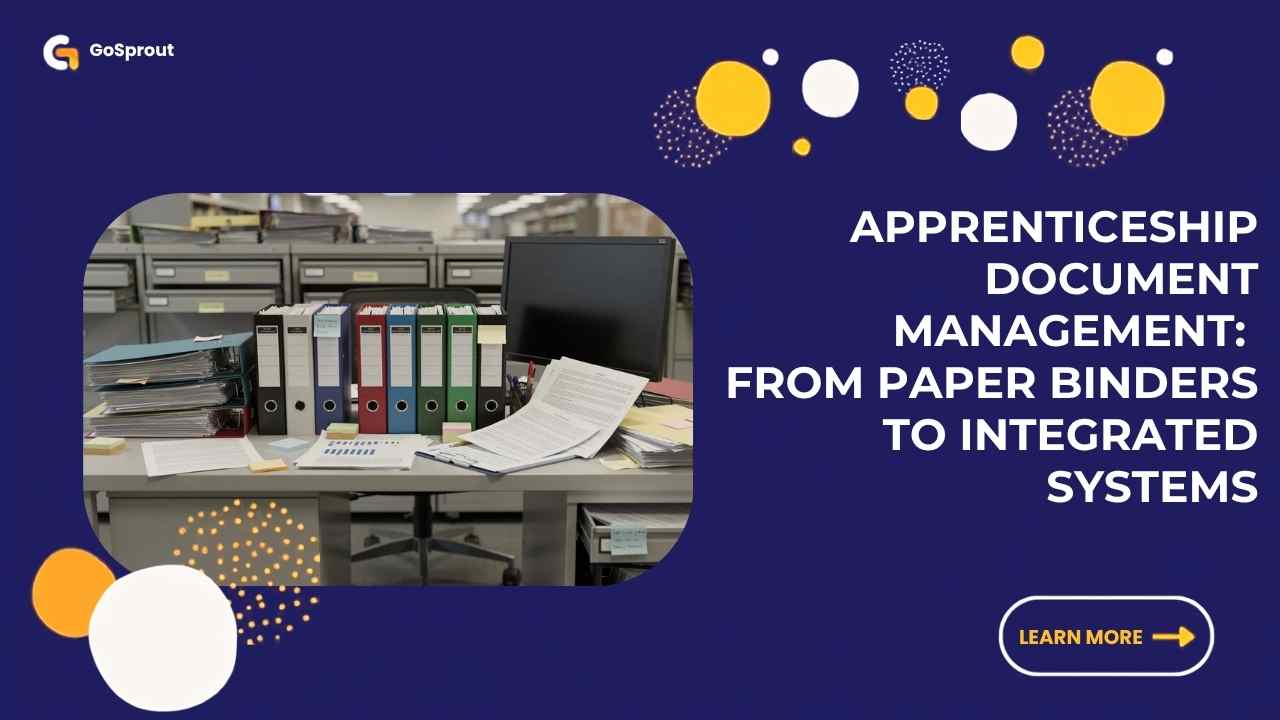
Pen and paper is the most common method for managing apprenticeships. That means 3-ring binders, handwritten OJT sheets, physical signatures, and file cabinets in training centers. Tracking competency with pen and paper is nearly impossible for audits, and wage progressions stall because supervisors can’t quickly verify hours.
Spreadsheets can create overwhelming management challenges for apprenticeships. Excel files with fragile formulas, random folders in SharePoint or Google Drive, and no structured workflow for approvals create version-control nightmares. A 30% increase in DOL audits since 2020 requires better tracking than what these administrative processes can deliver.
Email compounds the problem. Mentors send PDFs or photos of timecards. Administrators download, rename, and re-file documents. When staff leave, sensitive information and critical apprentice documents disappear from personal inboxes. Generic tools like project management systems, CRM platforms, or a basic learning management system lack apprenticeship-specific features like wage schedule logic, time tracking tied to specific competencies, and compliance reporting. These methods technically work for 5–10 apprentices but collapse at scale when many moving parts converge.

What Apprenticeship Document Management Actually Needs to Track
Registered apprenticeship sponsors must maintain a complete, defensible record of every apprentice’s journey from recruitment through completion. Apprenticeships must meet USDOL standards to pass audits, and accurate record-keeping is vital for program success during audits.
Here’s what that documentation includes:
- Program standards and agreements: Signed program standards, individual apprenticeship agreements (ETA Form 671), EEO forms, eligibility checks, and occupation assignments with SOC/O*NET codes.
- OJT records: Recording hourly logs for on-the-job training is essential for proper skills rotation. This includes daily time tracking, competencies signed off by mentors, and work process logs (minimum 2,000 hours for time-based occupations).
- RTI documentation: Tracking classroom instruction and coursework completion supports progress monitoring. Course syllabi, attendance, grades, and proof of minimum hours (144 hours per year) for each apprentice must be maintained. Courses, educators, and location details all need documentation.
- Wage progression: Documenting wage progression ensures compliance with Department of Labor standards. Initial rates, scheduled increases at hour milestones, approval documents, and payroll change confirmations form this record.
- Compliance and reporting: RAPIDS registration forms, WIPS and PIRL exports for WIOA-funded apprentices, and state-level forms. WIOA requires compliance with additional reporting through WIPS. Effective compliance tracking integrates education, training, and employment data.
- Supporting artifacts: Evaluations, certifications, credentials, incident reports, and completion or cancellation notices tied to the correct cohort and schedule.
Registered apprenticeship sponsors are expected to maintain compliance with program standards for five years. Some state regulations extend far beyond that-Washington State requires 50-year retention for apprenticeship registration records.
From Files to Framework: Designing a Robust System
Moving from ad-hoc files to structured document management starts with a taxonomy. Define standard folders or tags for program standards, apprentices, employers, RTI providers, wage schedules, and audits. Use consistent naming: apprentice ID, occupation, date (YYYY-MM-DD format).
Map each document type to a clear owner and lifecycle. Who creates it? Who approves? Where does it live? How long is it retained? Build a single source of truth per apprentice-a consolidated record linking their application, agreement, OJT logs, RTI transcripts, wage steps, and completion documentation.
Centralized documentation eliminates the need for manual spreadsheets and serves as a central repository for compliance and training verification. A digital apprenticeship document management system typically includes cloud storage and searchable repositories. Access control matters: role-based permissions for sponsors, employers, mentors, schools, and apprentices prevent oversharing while keeping collaboration smooth. Every upload, edit, and approval should be timestamped to satisfy USDOL and state regulations during audits.
Why General Tools Fall Short
Paper offers no search, no remote access, and no way to run multi-employer programs efficiently. Spreadsheets lack integrated file storage and can’t tie tracking hours to competencies and wage steps through guided workflows. Project management tools like Asana or Trello are task-centric, not apprentice-centric-they have no compliance reporting tools, no wage schedule logic, and no multi-year history per apprentice.
CRM systems optimize around customers and deals, not occupations, OJT hours, or regulatory milestones. A traditional learning management system handles course delivery and grades but misses work-based learning, hour tracking, wage progression, or RAPIDS/WIPS reporting. LMS systems can supplement but not replace purpose-built apprenticeship management software with integrated document management.
How Apprenticeship Management Software Streamlines Documents
Apprenticeship software automates tracking of OJT and RTI hours, while software centralizes apprentice records and compliance documentation in one system. Apprenticeship management software tracks OJT and RTI hours accurately and integrates education, training, and employment data into a unified view.
Key capabilities of purpose-built management systems include:
- Central dashboards showing each apprentice’s progress, missing documents, and compliance status, supporting program management across sites and cohorts
- Digital time tracking where apprentices log hours via web or mobile and mentors approve entries, automating data collection and reducing errors
- RTI integration syncing with a learning management system so attendance, grades, and certificates attach to the correct record
- Automated wage schedule tracking that triggers alerts when apprentices reach milestones, storing approval documents automatically
- Compliance and audit preparation with prebuilt reporting tools for RAPIDS, WIPS, and PIRL; users can generate reports filtered by cohort, occupation, and date range
Automated notifications remind users of missing hours and deadlines. Tracking systems should flag missing documents and overdue evaluations to ensure compliance. The software supports DOL compliance and audit readiness while automated compliance reduces administrative overhead and prevents missed deadlines. Effective document management simplifies compliance with audit and reporting requirements across the entire organization.

GoSprout’s Approach to Apprenticeship Document Management
GoSprout treats each apprentice as a digital case file: all OJT, RTI, agreements, wage schedules, evaluations, and credentials live in one connected record. Real-time dashboards give sponsors visibility into compliance status by cohort, occupation, or employer-making it easy to identify gaps before audits arrive.
Apprenticeship management systems streamline recruitment processes for apprentices, and GoSprout combines recruitment, applicant tracking, and program management in a single platform. Recruitment tools help assess skills and experience of applicants while effective recruitment tools centralize application documentation and tracking. Tools like ApprentiScope also combine recruitment tracking with program management features, though GoSprout goes further by connecting enrollment, training, and compliance in one workflow designed for apprenticeship providers.
Organizations should conduct periodic compliance reviews to verify document accuracy and training adherence. GoSprout supports this with automated RAPIDS, WIPS, and PIRL outputs configurable to state requirements, ensuring compliance year-round. Mobile access lets apprentices and mentors upload evidence from job sites, and integrations with existing HRIS, payroll, and LMS tools keep employment data synchronized.
Consider a real scenario: a sponsor consolidating three spreadsheet systems and two LMS exports into GoSprout to manage 250+ apprentices across construction and healthcare occupations-cutting administrative time dramatically while administrators focus on program quality rather than data entry.
Implementation Guide: Moving to a Digital System
Start with an inventory: list current document types, locations, and owners. Prioritize active apprentices and high-risk compliance items first. Run a phased rollout-begin with one occupation or cohort, import documents, and validate hour totals and wage steps before scaling.
Clean data during migration: standardize apprentice names, IDs, and employer fields. Train multiple stakeholders through short sessions tailored to administrators, employer mentors, RTI providers, and apprentices. Run a 60–90-day parallel period where key reports are checked against old sources.
Typical implementation of apprenticeship software takes 4–8 weeks for small programs, with longer timelines for statewide or multi-campus initiatives looking to scale programs.
Common Mistakes in Apprenticeship Document Management (and How to Avoid Them)
Relying on personal inboxes and local drives means critical documents vanish when staff leaves. Centralize all files in a shared system with role-based access to protect data and ensure easy access for authorized users.
Unstructured naming-files like “scan0003.pdf”-makes OJT logs impossible to find. Use standard naming with apprentice ID, occupation, and date. Manually retyping data between spreadsheets introduces errors; direct entry by apprentices and mentors or integrations with LMS and time tracking tools eliminates this.
Skipping regular compliance checks is the costliest mistake. Waiting until an audit letter arrives to verify documentation creates panic. Monthly or quarterly internal reviews using automated status reports keep records accurate. Finally, tracking hours without documented skills or sign-offs fails audits-include evaluation forms and competency checklists as standard artifacts to create defensible records.
Signs It’s Time to Modernize
If your staff spends more than 10–15 hours per month assembling documents for funders or auditors, it’s time to act. Growth signals include expanding beyond 25 apprentices or adding new occupations and employer partners across states. Recent audit findings, delayed wage increases because supervisors can’t verify hours, or apprentices complaining about lost paperwork all point to the same conclusion: evaluate apprenticeship management software with strong document management capabilities for ensuring compliance across your business.
Why Choose GoSprout for Apprenticeship Document Management
GoSprout was built for the multi-stakeholder reality of registered apprenticeship: employers, school districts, sponsors, job seekers, and apprentices collaborating in one system. Compliance depth includes automated RAPIDS, WIPS, and PIRL reporting configurable to federal and state registered apprenticeship standards, keeping programs audit-ready with accurate records year-round.
Sponsors using GoSprout report cutting administrative time by 40–60% when preparing for DOL site visits, and companies have scaled from dozens to hundreds of apprentices without adding administrative staff. The mobile-friendly apprentice app handles OJT logging and document uploads, while intuitive dashboards serve coordinators and clear role-based views support mentors and educators. GoSprout supports registered apprenticeships, pre-apprenticeships, internships, and work-based learning pathways- delivering high-quality apprenticeships through consistent document and data structures that manage the full apprentice lifecycle.
FAQs: Apprenticeship Document Management
What documents do I need to keep for a registered apprenticeship program, and for how long?
Federal guidelines require sponsors to retain apprenticeship agreements, OJT logs, RTI transcripts, wage schedules, EEO records, and completion or cancellation notices for at least five years from the date of last action. Some states impose longer periods-Michigan requires seven years, and Washington State mandates 50 years for registration and tracking records.
How can apprenticeship management software help with WIPS, PIRL, and RAPIDS reporting?
Purpose-built software automates data collection across OJT, RTI, and demographic fields, then generates export files matching PIRL schema requirements and RAPIDS submission formats. This eliminates manual compilation and reduces reporting errors significantly.
Can I manage multiple employers and occupations in one document management system?
Yes. Modern apprenticeship management platforms support multi-employer, multi-occupation configurations with role-based access so each employer, mentor, and RTI provider sees only their relevant apprentices and documents.
How secure is cloud-based apprenticeship document management?
Reputable platforms use encryption at rest and in transit, role-based permissions, and audit logging that tracks every document access and edit. This protects sensitive information while maintaining the traceability auditors require.
Do I need a separate learning management system if I use GoSprout?
GoSprout includes built-in course development and RTI tracking, but also integrates with existing LMS systems. If your RTI provider already uses a separate platform, GoSprout can sync transcripts and grades into each apprentice’s record.
How long does it take to implement a digital apprenticeship management system?
Typical implementation of apprenticeship software takes 4–8 weeks for smaller programs. Statewide or multi-campus rollouts with complex data migration may take longer, but phased approaches let you start seeing value within the first month.
Make Your Apprenticeship Documents Audit-Ready
Paper binders and email threads won’t survive the next audit cycle. As programs grow and DOL scrutiny intensifies, the risk of staying with manual processes compounds every quarter. The sponsors scaling fastest are the ones who made document management a priority, not an afterthought.
Schedule a live walkthrough of GoSprout focused on your current document workflows, wage schedules, and compliance reporting needs. Bring your most recent audit letter or reporting requirement to the call so the demo addresses real scenarios. Visit GoSprout’s website to request a tailored demo and take the first step toward a process that finally keeps pace with your apprenticeship program.


